Pick up every book where you left off.
Progress, dates, rereads and quotes stay together in a library you can keep up to date.
Free. No paid plan or subscription. Your library, reading tracking, quotes, sharing and imports are included.
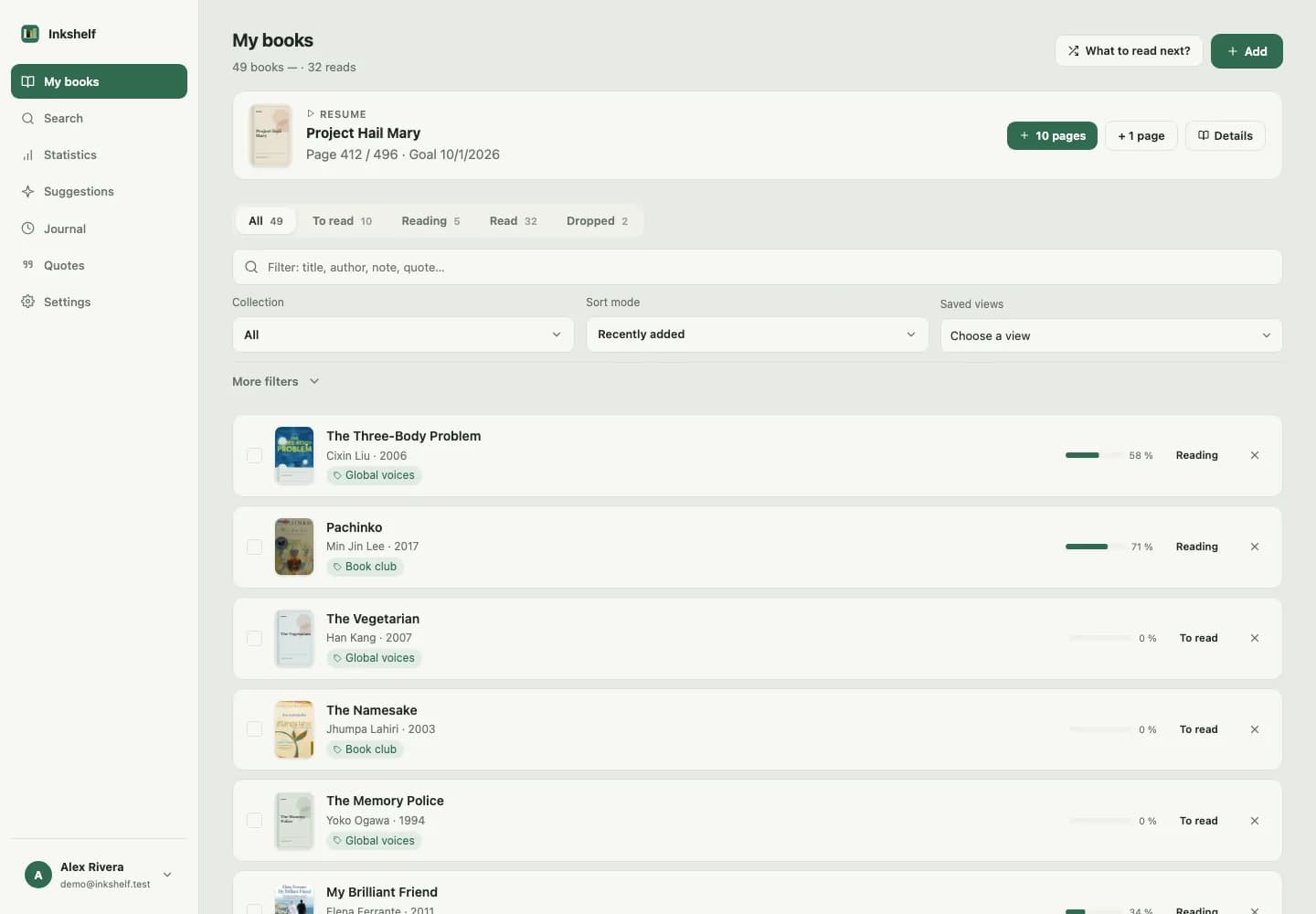
Add a book in seconds
Scan its barcode, search by title or ISBN, or enter its details yourself.
Build my library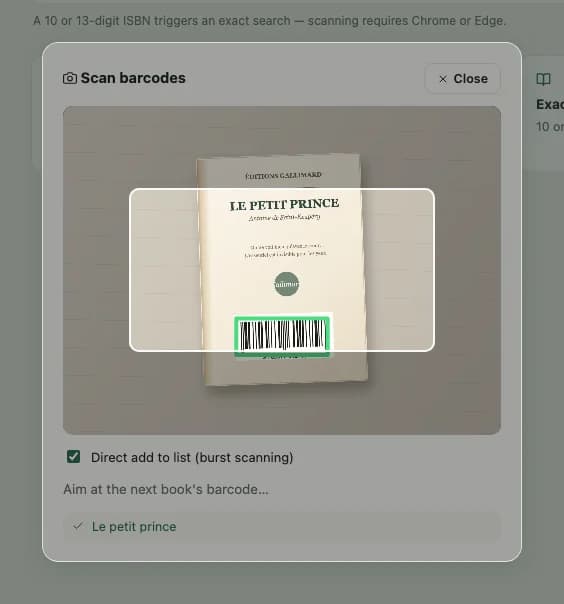
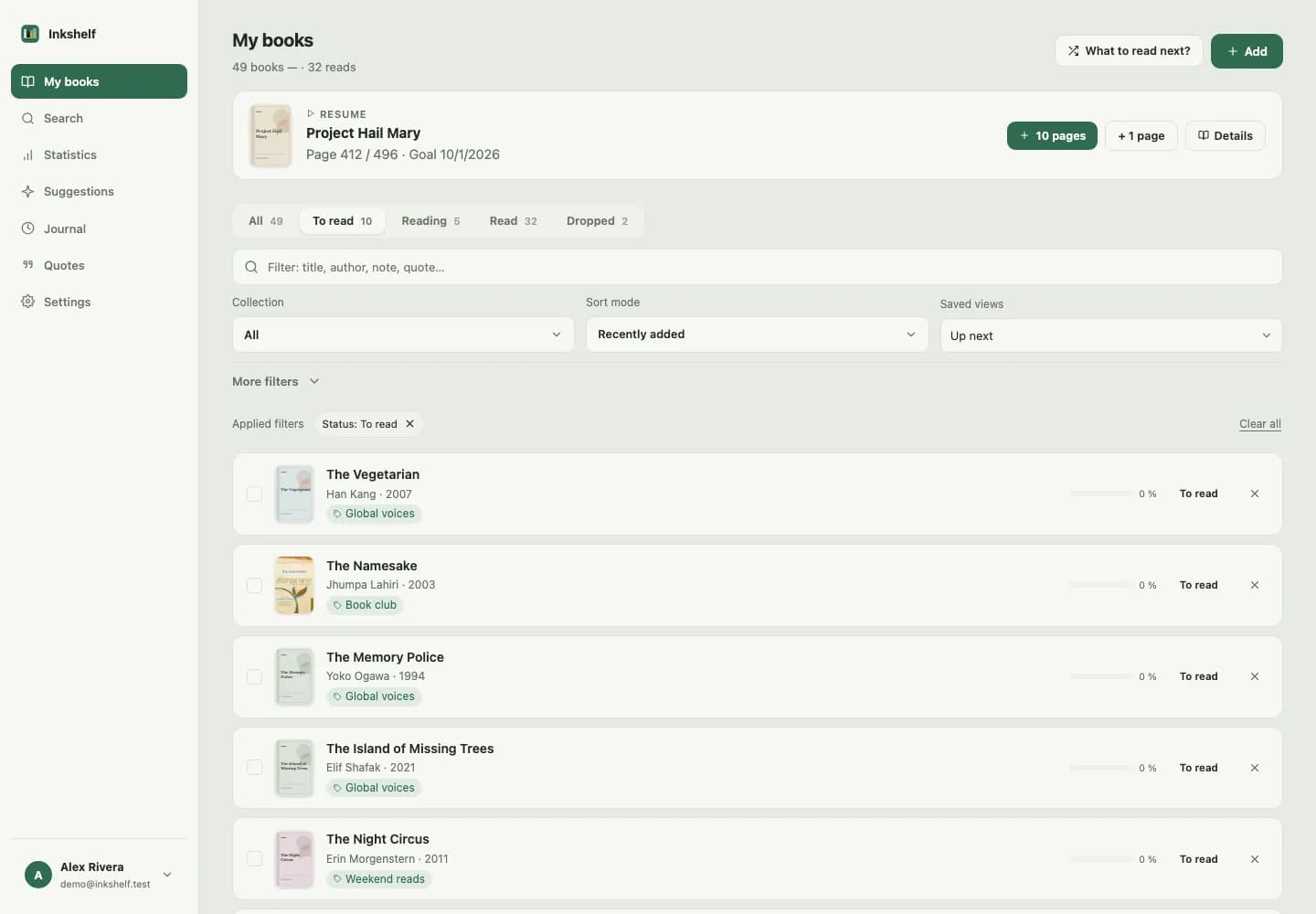
A library that fits the way you read
Sort books by status, collection or series. Keep track of loans and return to the view you need.
Pick up the thread of every read
Save your page and reading sessions, set an annual goal, then review your activity and reading history.
Track my reading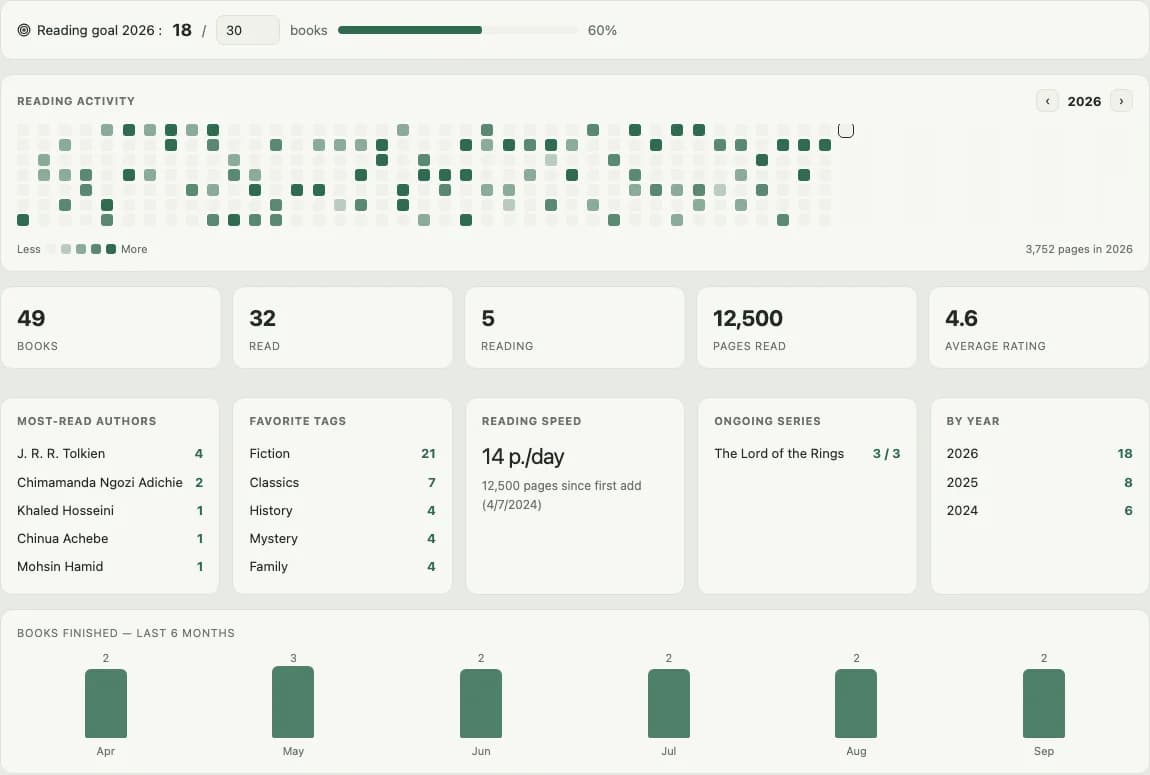
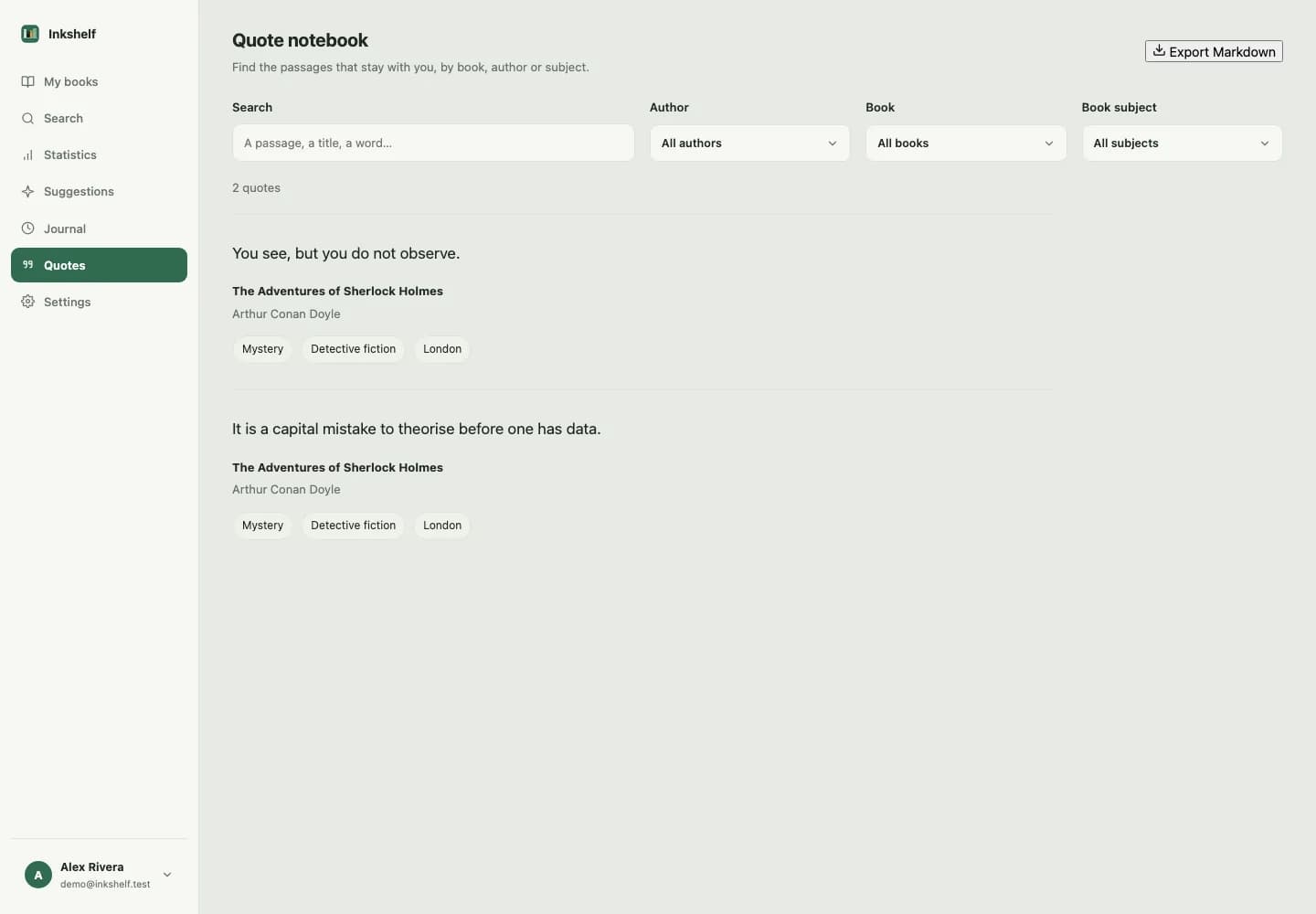
Keep the passages that matter
Link quotes and notes to the book they came from. Add tags, then find a passage by its text, author or subject.
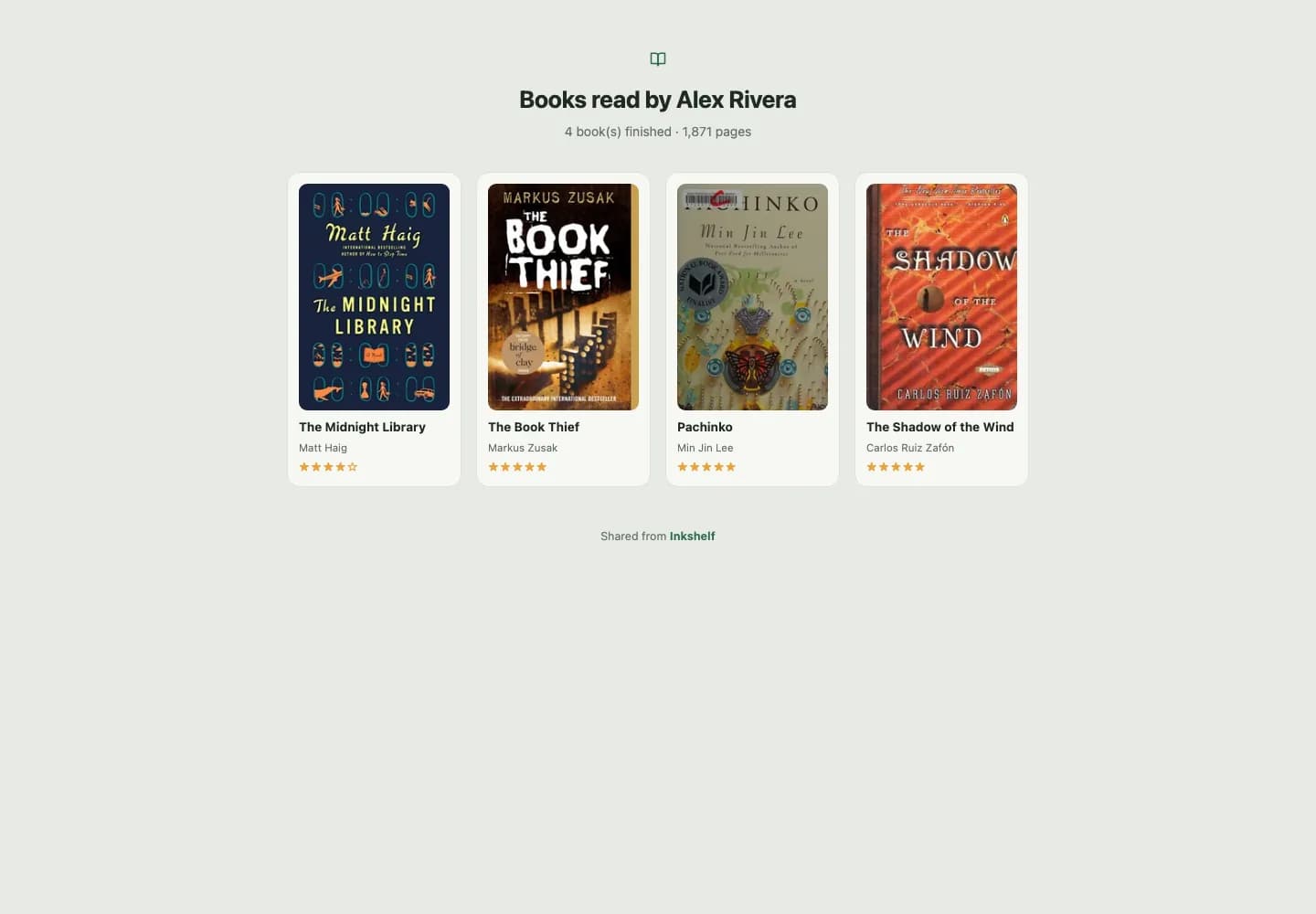
Share your reads and keep the rest private
Turn on a public link for your finished books. Your notes, reading progress and other account data stay private.
Bring an existing library with you
Import a Goodreads CSV or an Inkshelf export. Review duplicates before adding anything.
Import my books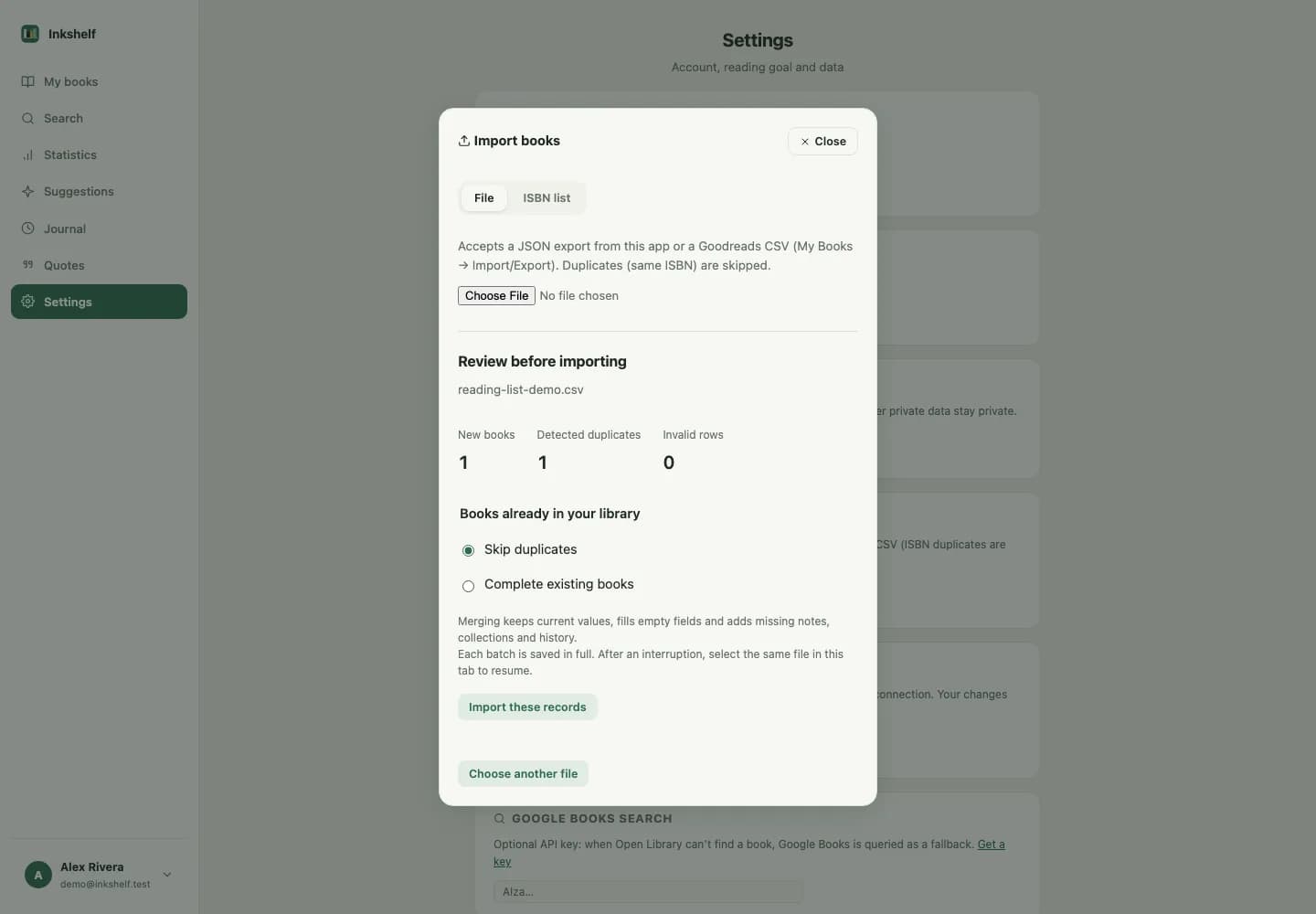
Frequently asked questions
Is Inkshelf free?
Yes. Inkshelf is free. Your library, reading tracking, quotes, imports and sharing are included.
Can I import my Goodreads library?
Yes. Import a CSV file exported from Goodreads. The preview helps you spot duplicates before you confirm.
Can I scan a book with my phone?
Yes. In a supported browser, allow camera access and scan the book’s ISBN barcode.
Are my books, notes and reading activity private?
Yes, by default. If you enable public sharing, your name, finished books and their ratings are visible. Your personal notes, quotes, detailed progress, reading sessions and reading history stay private.
Can I export my data?
Yes. Download a JSON copy of your library, including collections, completed reads, loans, quotes and goals. You can also export quotes as Markdown.
Does Inkshelf work on mobile?
Yes. Open Inkshelf in the browser on your phone or tablet.
Do I need to install an app?
No. Inkshelf works in a browser. You can add it to your home screen if your device supports it.
Can I share my library with someone else?
You can enable a public link to show your finished books. Anyone with the link can view it. Your notes and reading progress stay private.
How does family sharing work?
Inkshelf does not offer a shared family library. Each account keeps its own library. You can enable a public link to share your finished books.
Start with one book.
Add the book you are reading and save your current page.